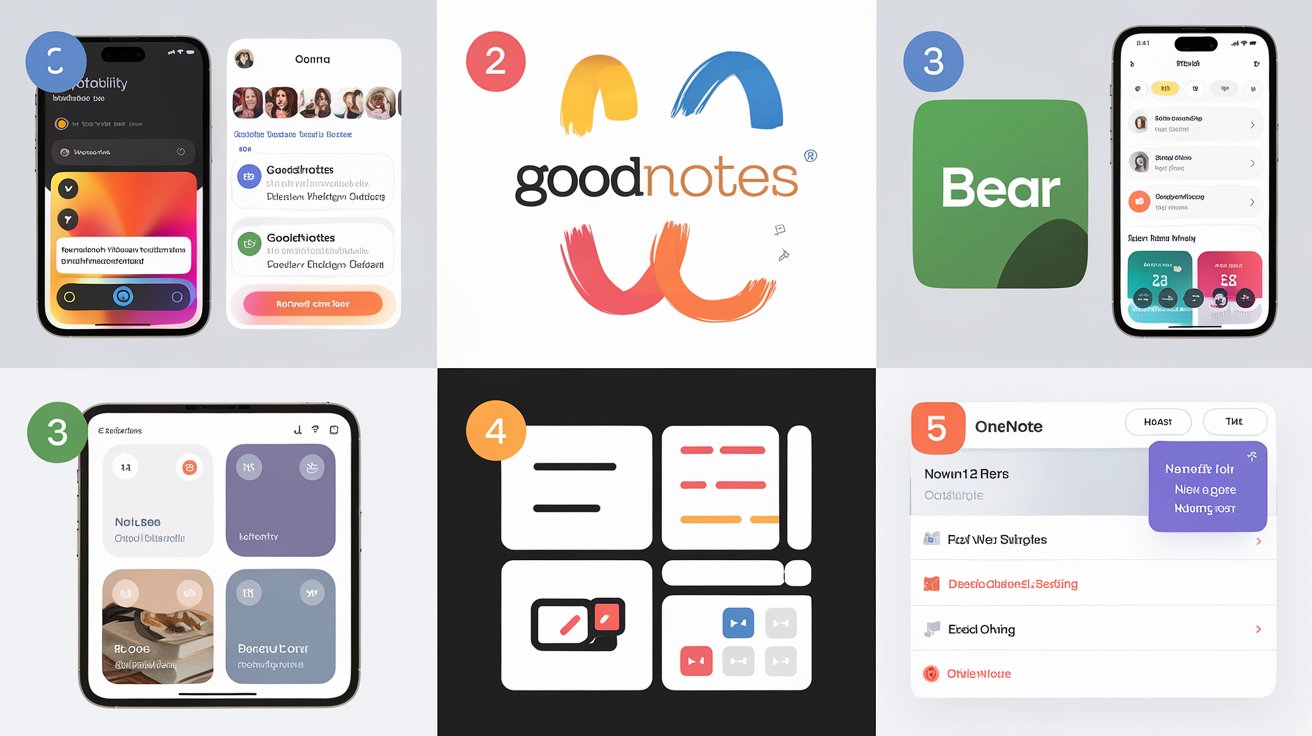
Teachers and students can choose from a wide variety of note-taking applications! They are also not all created equal. If you want to take notes effectively, it’s critical to use the appropriate note-taking program. Some are made to store notes, while others are made to sync with your PCs, tablets, and cellphones and to backup your notes to the cloud. For kids who struggle with learning and thought processes, taking notes can be extremely difficult. These note-taking applications can be useful. These top note-taking applications make the procedure as easy as using actual paper, regardless of your preferred method—writing with a stylus, typing, or drawing with your finger.
In high school and college, note-taking abilities are essential. Among the most important note-taking abilities are legible handwriting, structured outlines, effective listening, and the ability to record important points. Effective note-taking improves academic performance. In class, you don’t want to feel limited by your note-taking app. Choosing a single “best” note-taking app is impossible. Rather, we have offered some recommendations that are suited to particular people, gadgets, and learning preferences.
These are the top note-taking applications for parents, teachers, and students that will benefit them in their social, professional, and academic lives.
1. Evernote
One of the greatest note-taking apps available to students is Evernote. Students may take notes, exchange notes, make to-do lists, and organize their notes all in one location with Evernote. From creating a course to giving a lesson plan to gathering comments following class, its applications are virtually endless. Additionally, it lets kids take pictures, record voice reminders, and make these notes fully accessible from anywhere—at home, at school, or while on the go. Sketches, audio, and photos can all be inserted in text notes.
Students can use Evernote, a cross-platform note-taking app, to analyze handwritten notes and save articles from the internet. Teachers can use Evernote to create and manage notebooks for committees, team and faculty meetings, and other professional development activities. Evernote can be used for research by educators as well. Numerous platforms, including Windows, Mac, iOS, Android, Web, and Linux, can access Evernote.
- PDF and Image Annotation: Annotate PDFs and images directly within Evernote.
- AI-Powered Search: Find information quickly using natural language queries.
- AI Edit: Use AI to summarize, translate, or edit notes.
- AI Transcribe: Convert audio recordings into text notes.
- Integration with Other Apps: Connect Evernote with Google Drive, Slack, and Microsoft Teams.
- Calendar Integration: Connect Evernote with Google Calendar to create and access meeting notes.
- Note Linking: Link notes to other notes or calendar events for better organization and access.
- Sharing: Share notes with others via public links or by inviting collaborators.
- Business Card Scanning: Scan and store business cards directly into Evernote.
- Paperless Organization: Store receipts, documents, and other important papers in Evernote.
Available on : android and ios
2. Notability
One of the most feature-rich note-taking applications is Notability. Notes can be typed or written on notebooks and then arranged within the app’s folders. Additionally, it allows you to annotate PDFs, which is quite useful for evaluating student work. For taking and organizing notes, this app is fantastic. For the majority of your college work, Notability will allow you to use multicolored pens, brushes, and highlighters. Adding Notability to your collection of iPad note-taking applications is a terrific idea.
Notability allows you to simultaneously take notes, record audio, drag & drop photos and file attachments into notes, and input text. As you take notes on your iPad, you may be conducting a reading conference with a student or using the audio recorder to assess their reading fluency. The greatest app for taking notes with an Apple Pencil on an iPad or iPad Pro is called Notability. Writing notes during lectures or drawing objects while on a field trip can also benefit from this capability. Integrations with Dropbox, Google Drive, or Microsoft OneDrive are possible with Notability.
-
Handwriting and Math Conversion:Notability can convert your handwritten notes and mathematical equations into text, making them searchable and editable.
-
Audio Recording and Transcription:Record lectures and meetings, and Notability can automatically transcribe the audio into text, syncing it with your notes.
-
Media Integration:Insert images, PDFs, and other media into your notes, making them more informative and visually appealing.
-
Note Organization:Organize notes into folders and subjects, and use tags to further categorize them.
-
Drawing and Annotation:Use Notability’s drawing tools to annotate PDFs, sketch diagrams, and add visual elements to your notes.
-
Cross-Device Compatibility:Access your notes on multiple devices, including iPads, iPhones, and Macs, ensuring your notes are always available to you.
-
Collaboration:Notability allows you to share your notes with others, making it a great tool for collaborative work.
Available on : android and ios
3. NoteLedge
One of the greatest note-taking applications for iOS and Android that can improve research and study is NoteLedge. The program is fantastic, features advanced note-taking, and gives users a significant productivity boost. Use NoteLedge whether you’re taking notes, reviewing papers, bullet journaling, or altering textbook pages. You can record text and photos on the study notes and highlight using pen motions. Using an Apple pencil to transcribe the summaries by motions on study notes can save you time.
Notes can be handwritten, typed into text boxes on the original pages of a document, or combined with parts copied from the original to form distinct notebook-style pages. Notes containing audio and video can be exported to PDFs. Multiple cloud storage services, like as iCloud, Dropbox, OneDrive, and Google Drive, are available for auto-sync.
- Note-taking: Take notes, create bullet points, and lists.
- Multimedia Integration: Incorporate images, videos, audio recordings, and web clippings into your notes.
- Mood Boards: Create and organize mood boards with flexible workspace and layer options.
- Sketching: Use brushes to create sketches and drawings.
- PDF Export: Export notes to PDFs with multimedia content embedded.
- Cloud Saving: Save notes to the cloud for easy access and synchronization across devices.
- Search: Search for specific notes or content within your notes.
- Sharing: Share notes with others.
- Customization: Customize notebook paper, colors, and fonts.
- Document Management: Organize and manage documents within the app.
Available on : android and ios
4. Penbook
For iPad and iPhone, Penbook is a robust note-taking tool. There are about a thousand varieties of stationery and notebooks to choose from. Using an Apple Pencil, stylus, or simply your finger, you may use the notebook as a sketchbook, monthly planner, or even a calendar.
Features like Live Paper and various academic, scientific, and planning stationery are included in the program. You may search for words and phrases in your handwritten notes, create flawless forms using the Shape Recognition function, and create an infinite number of cover options for your notes. Penbook may be the solution if you’re searching for a note-taking app that truly allows you to express your creativity and personalize your notes.
- Sharing and Exporting: Easily share notes as PDFs or import existing ones.
- Calendar Integration: Integrate your Penbook notebooks with your calendar for event planning.
- Scanning: One-tap scanning, saving, sharing, and syncing with iCloud.
- OCR and Signatures: Optical character recognition, built-in signatures, and annotations.
- Free and Ad-Free: Fully open source, free, and no ads.
Available on : android and ios
5. Zoho Notebook
With the help of the free note-taking program Zoho Notebook, you may keep card-style notes in virtual notebooks with stylish covers. Different notebooks may be easily identified and separated thanks to the covers. Additionally, you can select fonts, font sizes, and colors based on your personal preferences. You must create a free account if you wish to have your notes synced across all of your devices.
Text notes, checklists, audio notes, photo notes, doodles, and document notes are the six note types that may be created using the app. The app works with Siri on iOS. For example, you can ask Siri to look through your notes. Along with possibilities for sharing and working with others, you also receive tags to help you organize and filter your notes. Notes can also be secured with Touch ID or Face ID.
-
Cloud Syncing:Notes are automatically synced across devices and the cloud, ensuring data accessibility and backup.
-
Diverse Note Card Types:Zoho Notebook supports text, audio, photo, sketch, and checklist cards, allowing for various content formats.
-
Collaboration & Sharing:Users can share notes and notebooks with others, providing read-only or edit access for teamwork.
-
Customization:Notebooks can be customized with handcrafted covers, note card colors, and layout preferences.
-
Security:Notes and notebooks can be secured with passcodes and Touch ID/Face ID for data protection.
-
Smart Cards:These automatically format saved content into note cards, streamlining the note-taking process.
-
Noteboards:Kanban-style project management tools for organizing tasks and projects within Notebook.
-
Integrations:Zoho Notebook integrates with other Zoho products like Zoho CRM, and also offers web clipping capabilities.
-
Voice Commands & Gestures:Voice commands can be used to save content, search notes, and set reminders, while gestures like pinching and flicking enhance navigation.
-
AI Assistant (Ask Zia):An AI-powered assistant to help with various note-taking tasks, like summarization and writing assistance.
-
App Intents:Allows for in-app searches using Shortcuts app or Siri commands for faster navigation.
Available on : android and ios
6. Simplenote
Students can use the free note-taking tool Simplenote. It’s a fantastic tool for taking brief notes and scheduling reminders. Keeping all of your notes organized is easy with Simplenote. With its straightforward interface, the software lets you make lists, tasks, and reminders in addition to adding notes, tags, and sharing notes. You may save notes in plain text using Simplenote.
To get started, simply create an account and begin using it immediately. Basic capabilities like version history, syncing, and collaboration are provided, however only the Markdown option allows for text styling. Users may customize the app’s theme, font size, and column layout with Simplenote’s clear, ad-free interface. Notes in a variety of file formats, including Markdown and plain text, can be imported and exported using Simplenote.
- Real-time Syncing: Notes are automatically updated across all devices, including iOS, Android, Windows, macOS, Linux, and the web.
- Collaboration & Publishing: Share notes with others for real-time editing or publish them publicly with a unique URL.
- Markdown Support: Write, preview, and publish notes in Markdown format.
- Tags: Organize notes using tags and find them quickly with instant search.
- Backups: Notes are backed up with every change, ensuring data safety.
- Cross-Platform: Available on a wide range of devices and operating systems.
- Simple Interface: Focuses on a straightforward user experience.
- Customizable Keyboard Shortcuts: Offers shortcuts for common actions like creating new notes or modifying font size.
- Checklists: Create lists and checklists within notes.
- Import/Export: Import notes from Evernote, other Simplenote notes, or plain text files.
- Version History: Access previous versions of notes.
- Pinning: Pin important notes to the top of the list for easy access.
Available on : android and ios
7. Microsoft OneNote
Microsoft offers schools its digital note-taking application, OneNote. It enables educators to set up interactive websites for student cooperation where notes and assignments can be posted. OneNote allows students to collaborate with their peers, take notes, and gather information.
For students who wish to combine various recording formats, Microsoft OneNote is ideal. Notes, diagrams, audio or video recordings, and pictures can all be added by students to pages. This facilitates students’ ability to take notes in a manner that best fits their learning preferences and to produce notes that are interesting and educational. You can scan handwritten notes or pages, type, write by hand (with a stylus), and even clip Web pages. OneNote works nicely with Word, Excel, and PowerPoint because it is a component of Microsoft’s Office suite.
Any process, preference, device, budget, or use case can be accommodated by a note-taking app. All you need to do is consider your preferences and select the note-taking app that works best for you.
- Notebook and Section Organization: Create and organize notebooks and sections to store your notes in a structured manner.
- Capturing and Sharing Content: Share web content, images, videos, and files with OneNote and easily access them from other devices.
- Quick Note Capture: Use Sticky Notes for quick jotting down thoughts and ideas.
- Handwriting and Drawing: Draw, sketch, and convert ink to text, shapes, and math equations.
- Multimedia Support: Insert audio notes, record videos, and embed online videos in your notes.
- Search and Find: Search your notes by keywords or phrases, even if you don’t remember where you saved them.
- Print to OneNote: Print files directly into OneNote as a printout.
- Cloud Storage and Synchronization: Access your notebooks from anywhere and on any device, as they are stored online.
- Collaboration: Share notebooks with others and collaborate in real-time.
- AI-Powered Features: Leverage Copilot in OneNote for reading and analyzing handwritten text, and other AI-powered improvements like handwriting straightening.